You get a nice little applet of this forum on your smartphone by installing it as a progressive web app.
How:
- Open this forum up on Firefox or Chrome on mobile (Chrome’s version is a bit better)
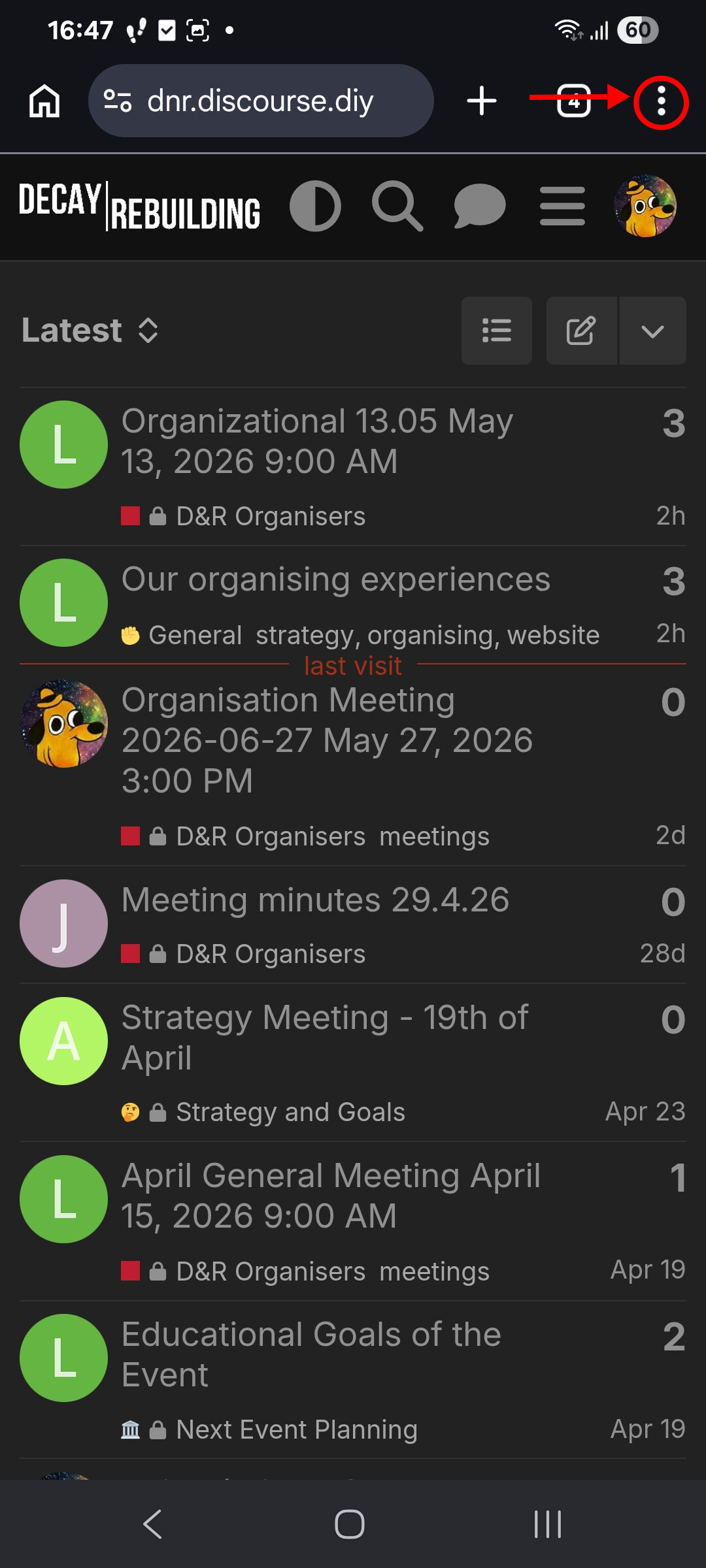
- Click the three dots to the right of the address bar, like this:
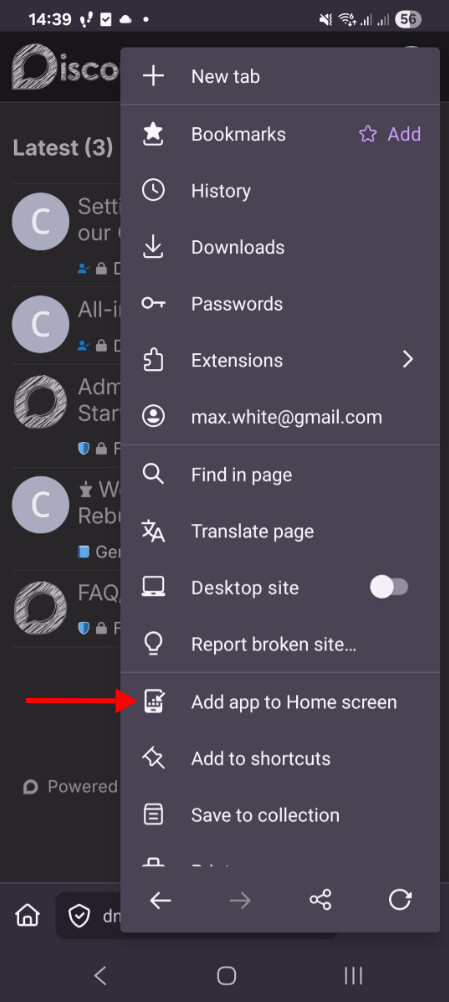
- Select “Add app to home screen”, like this:
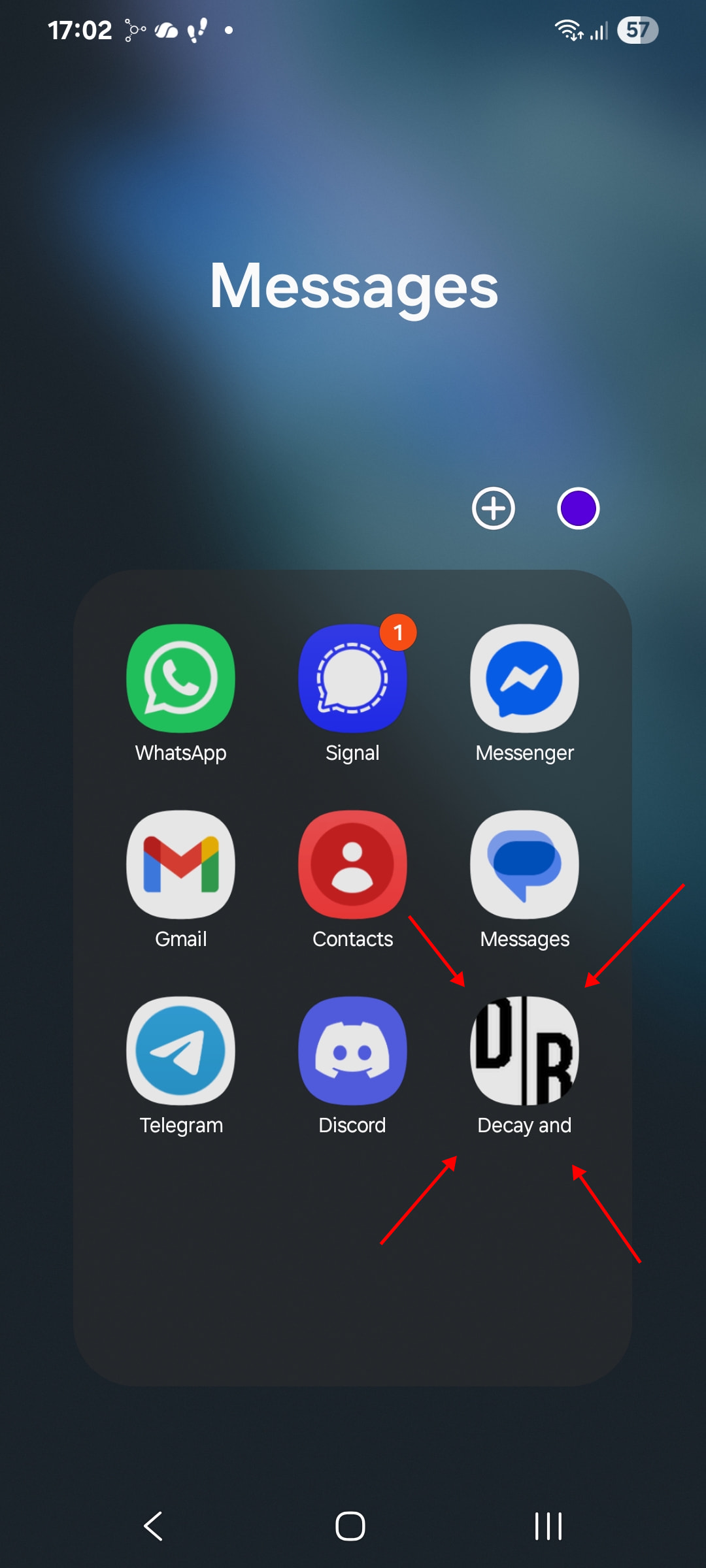
- Now you should have a “Decay and Rebuilding” applet installed on your phone. Put it somewhere prominent! I put mine next to Discord, Whatsapp, SMS, etc, like this:
Enable notifications
These instructions are for Android:
- Hold your finger on the Decay and Rebuilding applet icon on your home screen
- Select Site settings
- Select Notifications
- Select Allow Notifications